Define the Irrigation Line and Pump Role
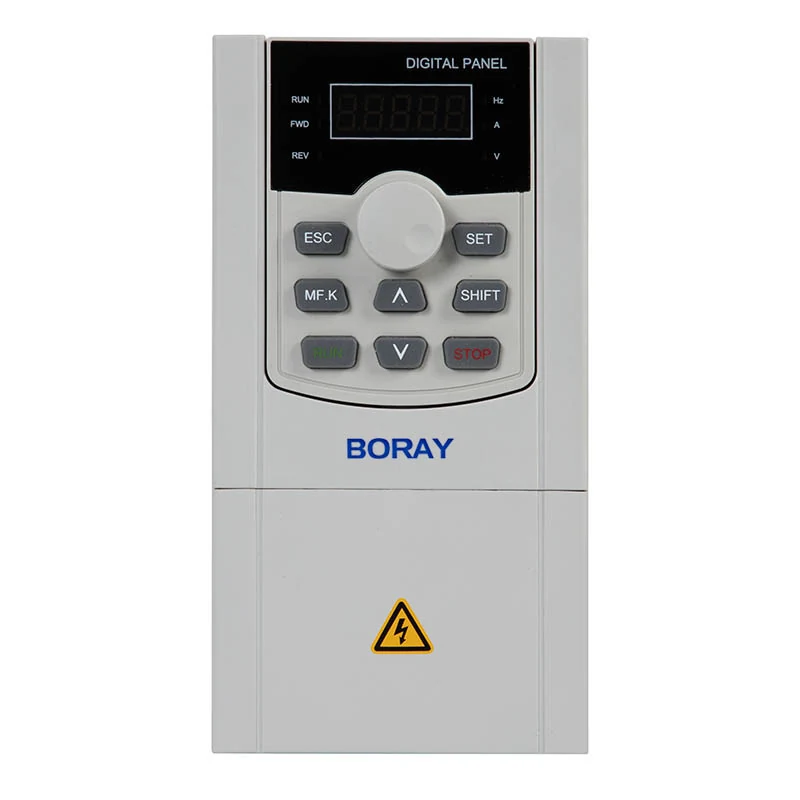
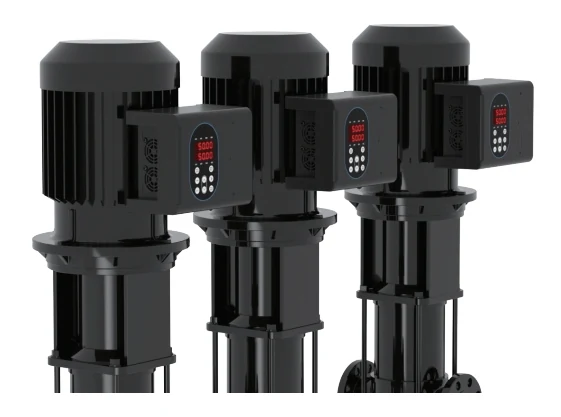
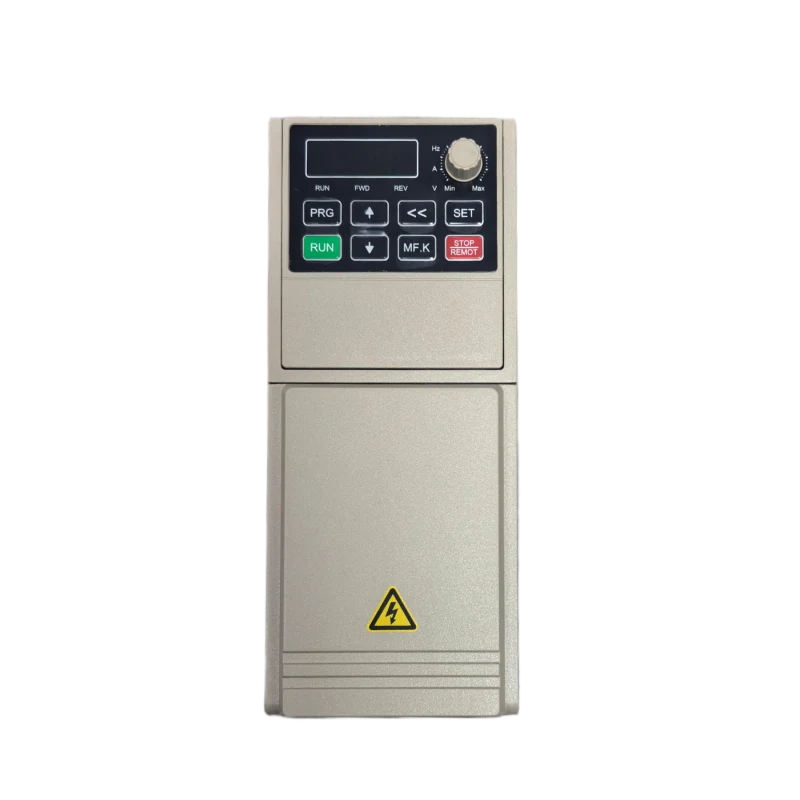
Identify the surface pump, water source, discharge line, and electrical path before selecting a control device. In this setup, BR500-P Solar Pump Inverter or FS300 Series Intelligent Pump AC Drive can serve as the Boray catalog reference for solar-driven pump operation and pump control.
Choose a Protected Mounting Location
Select a mounting position that protects the unit from rain, dust, splash, and direct heat while keeping access to wiring and inspection points. Surface pump irrigation lines often involve outdoor enclosures or pump houses, so plan cable routes and ventilation around the selected inverter or drive.
Connect the Solar, Pump, and Control Paths
Connect the solar source, pump motor, and control wiring according to the chosen Boray product path. For a solar pump inverter route, use BR500-P Solar Pump Inverter as the catalog reference; for pump control integration, use FS300 Series Intelligent Pump AC Drive as the catalog reference.
Commission the Surface Pump in Stages
Commission the surface pump with a staged check: confirm motor rotation, observe startup behavior, review flow and pressure at the irrigation line, and test operation during changing sunlight. This helps verify that the solar pump inverter or intelligent pump AC Drive is behaving as expected in the application.
Maintain and Reference Service Options
Maintain the setup by inspecting terminals, cable glands, cooling paths, and pump-side mechanical condition. For service planning, Boray catalog items such as Solar Pump Inverter PCB Board, FD600 High Protection Solar Pump Inverter, and FS200 Series Intelligent Pump AC Drive can be referenced when expanding or repairing an irrigation pump control line.